 Keystone

Scripture in seconds
Type a reference and it is on the screen: two full Bible translations ship inside the app and work with no internet at all. Walk through a passage verse by verse, and jump when the preacher does.
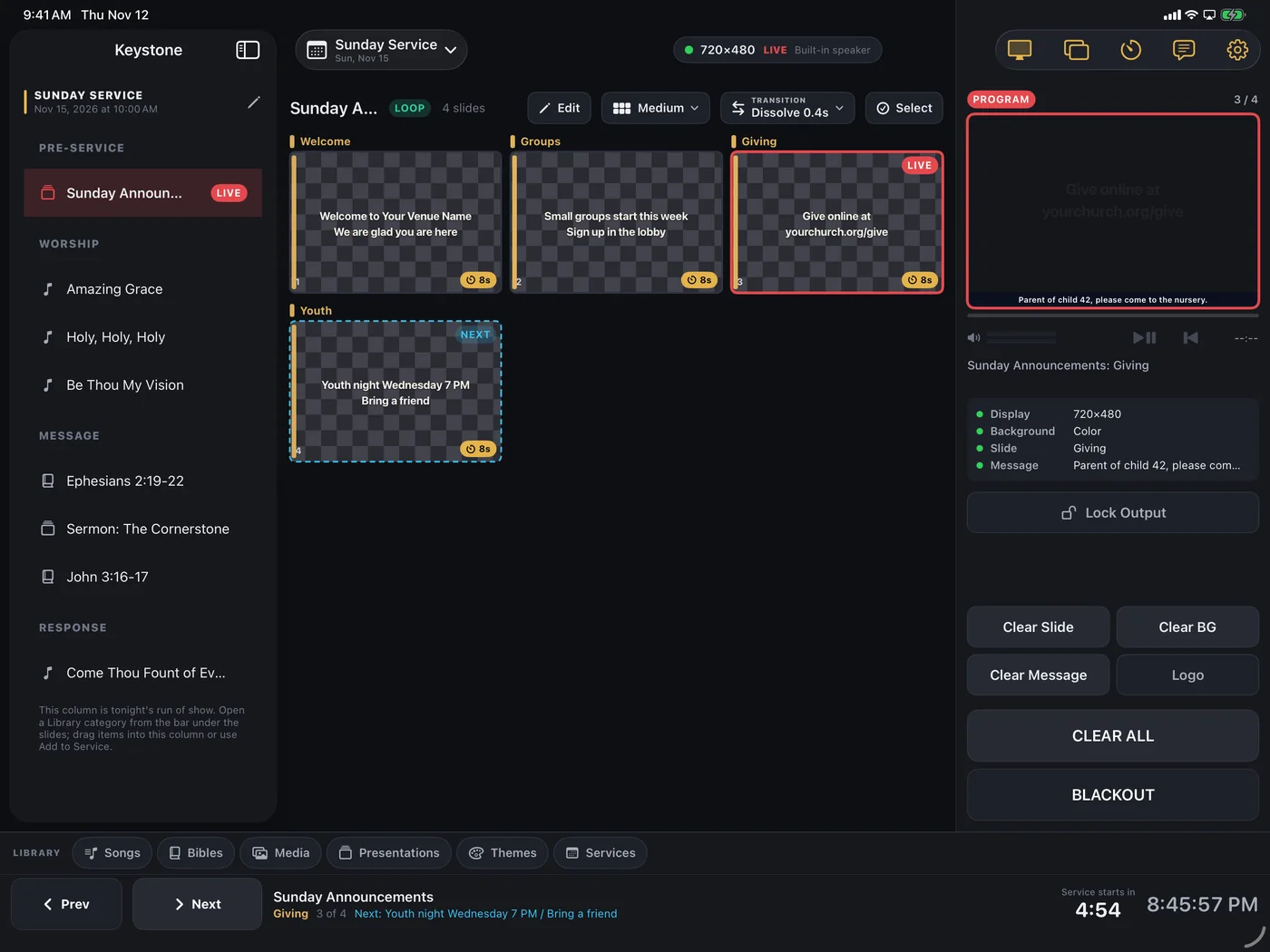
Keystone turns an iPad or iPhone into the entire presentation system: songs, scripture, media, timers and a stage display, out one cable to the projector. No booth PC, no license per seat, no setup night.
Built for Sunday services and ready for conferences, camps, classrooms and every room with a screen.
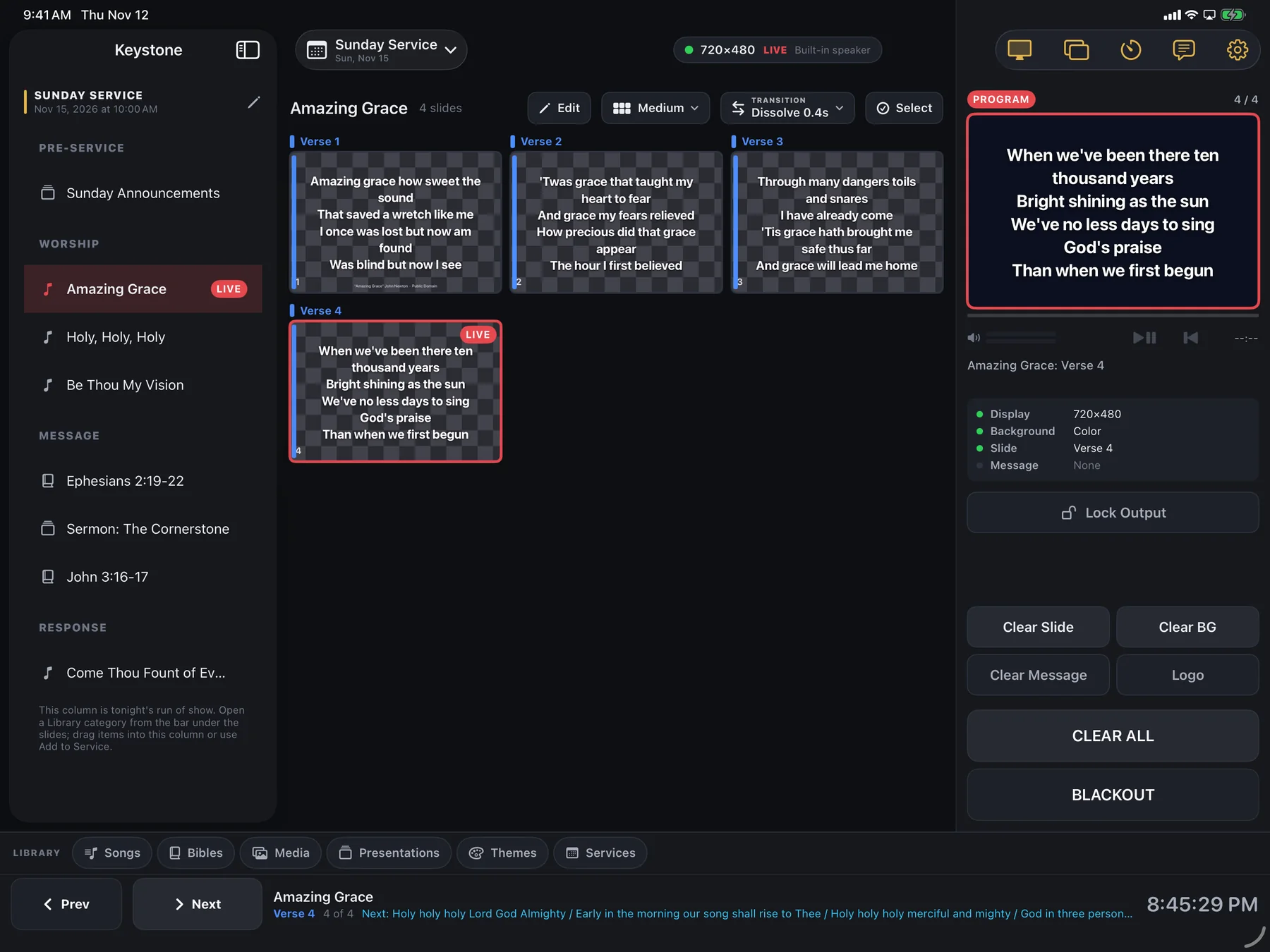
The moment Keystone connects to a projector it takes that screen and goes black. It never mirrors. Your running order, your grid, your notes stay in your hands, and the congregation sees one clean slide at a time.
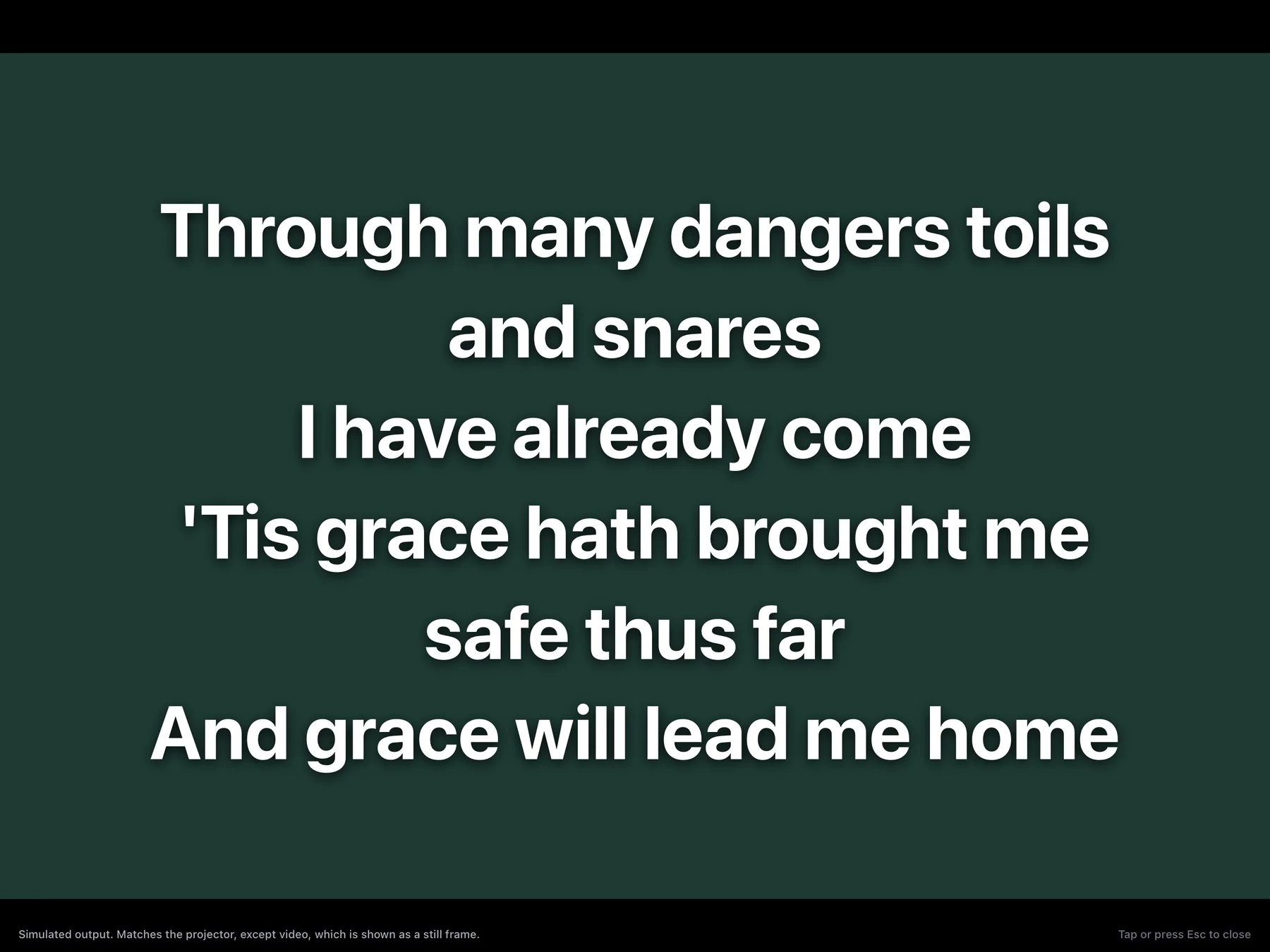
Type a reference and it is on the screen: two full Bible translations ship inside the app and work with no internet at all. Walk through a passage verse by verse, and jump when the preacher does.
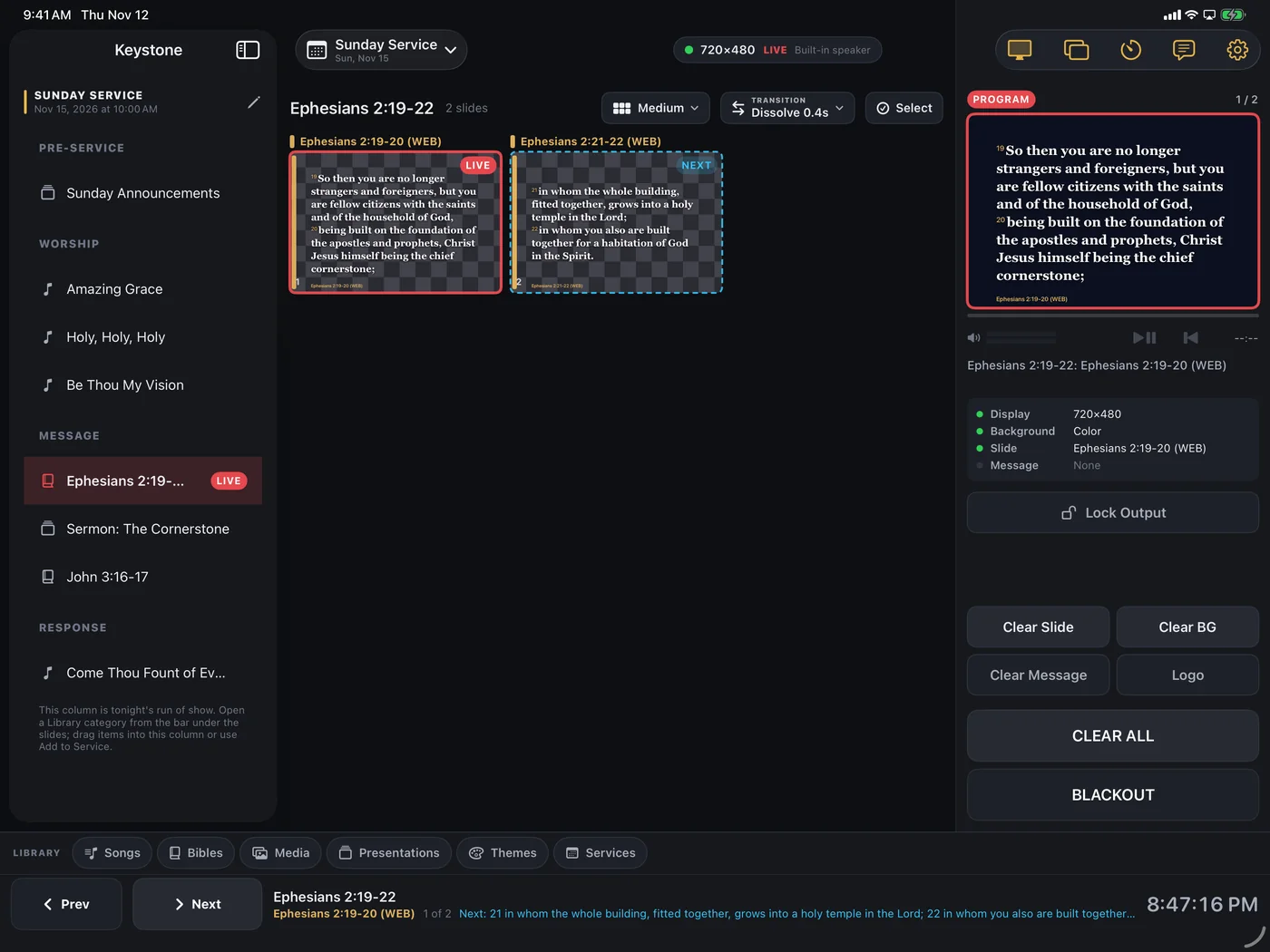
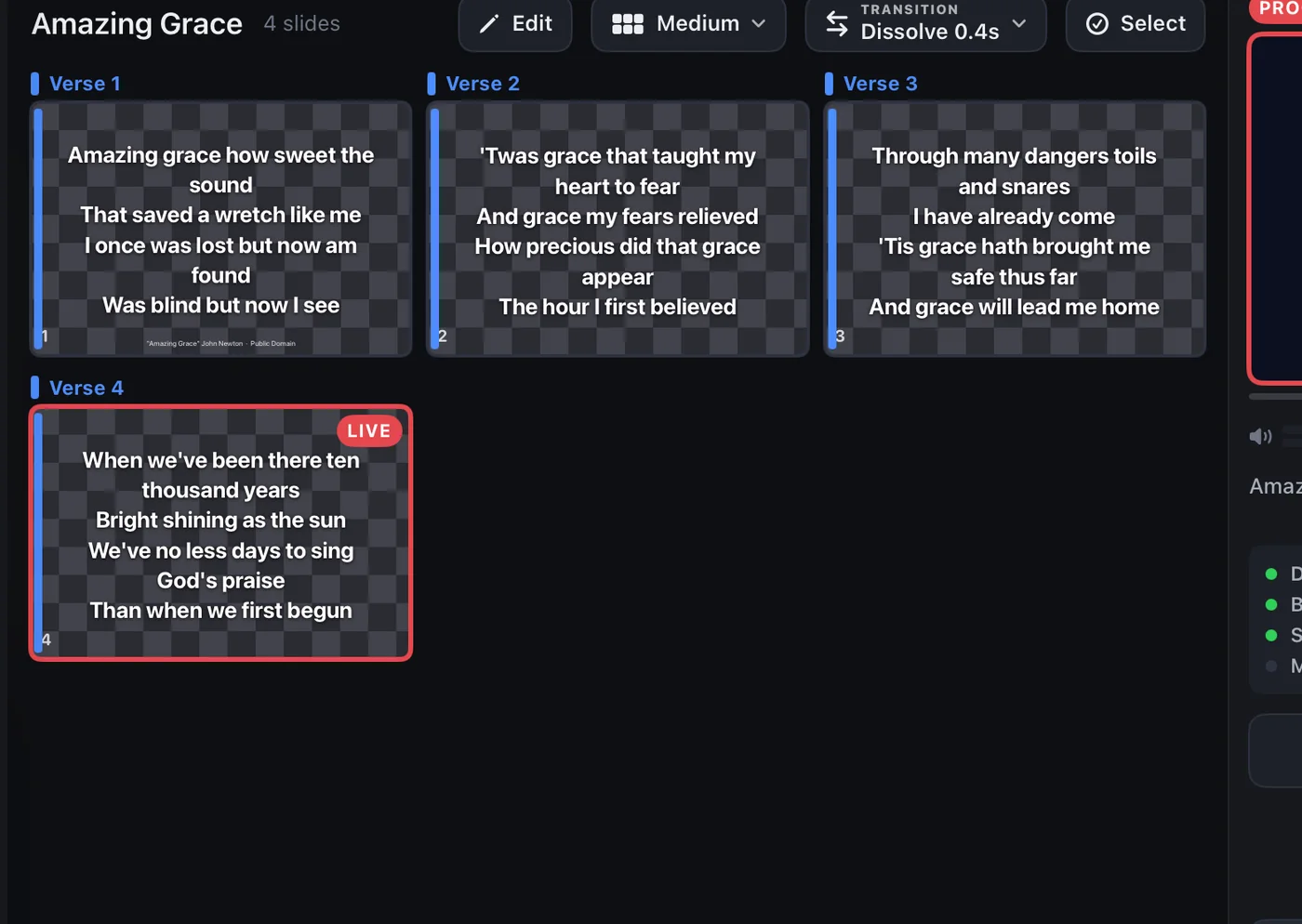
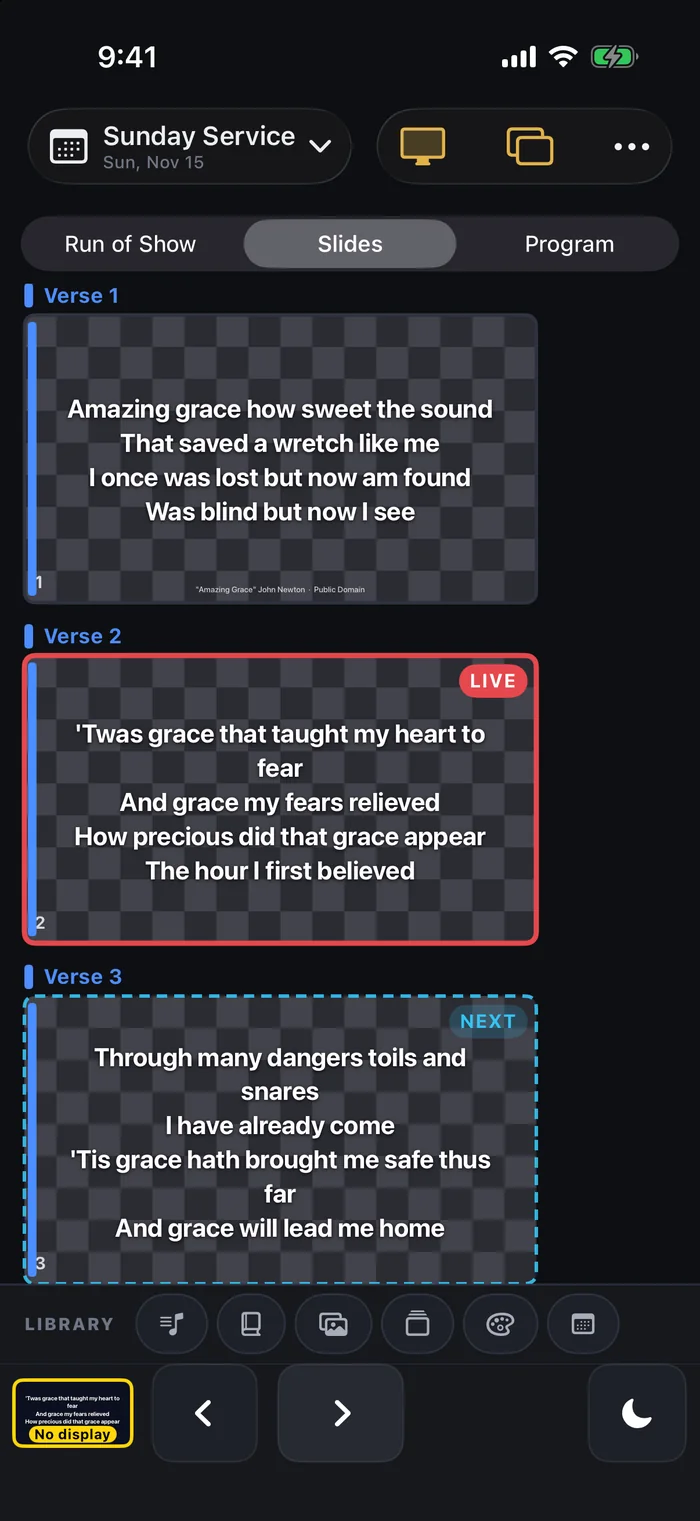
Verses, choruses and bridges laid out as a grid, so when the leader repeats the chorus you tap it, not hunt for it. Arrangements, per-slide overrides and custom themes are all included.
Build a loop of slides and video for the walk-in, start it, and put the iPad down. Keystone keeps it turning until you fire the first song.
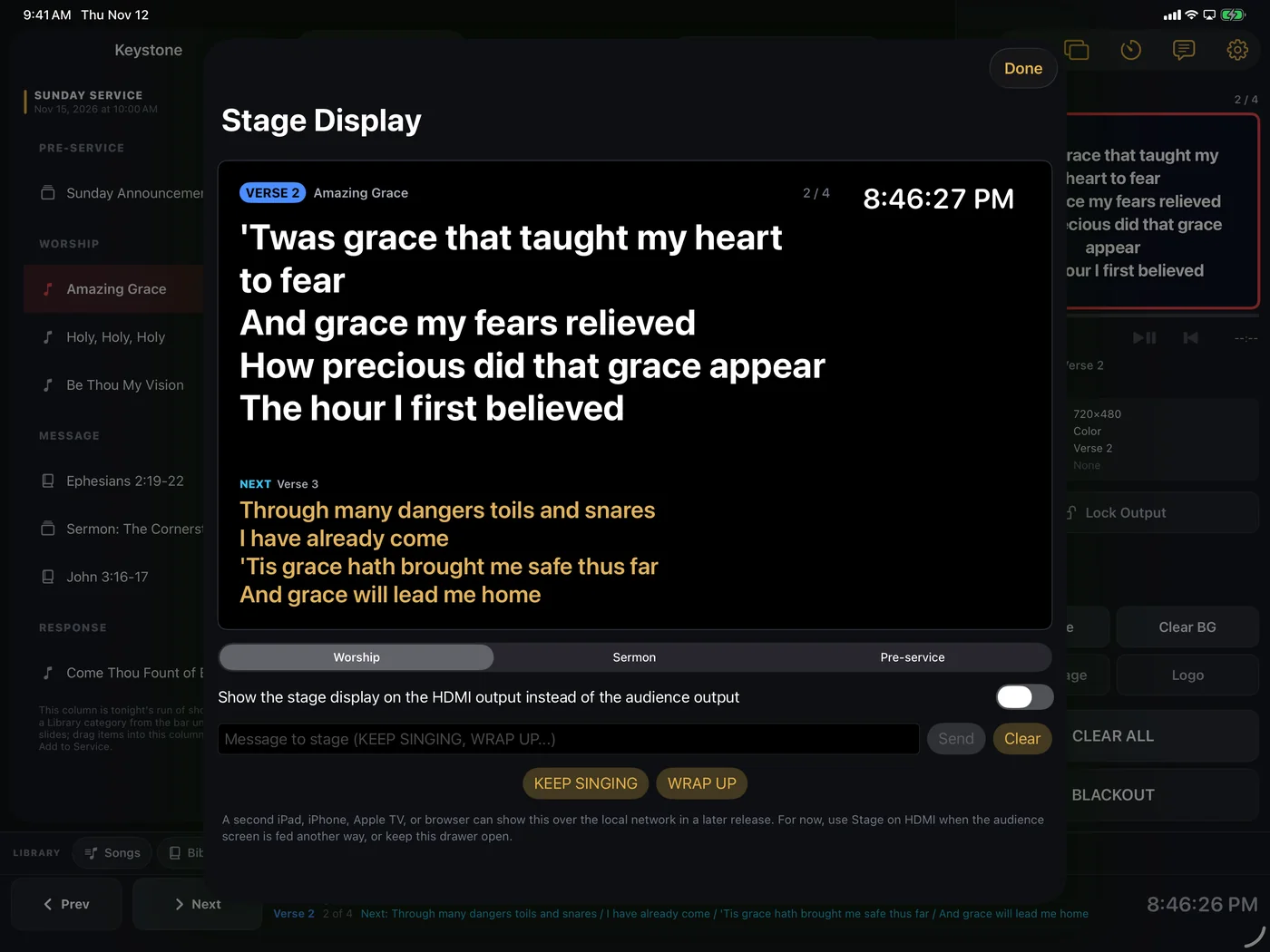
A second external screen can face the stage: current and next lyrics, a clock, countdowns and messages from the booth, so the people up front always know what is coming.
Countdowns to service, speaker timers, and discreet nursery pages on the audience screen when a parent is needed.
Blackout, logo and clear in one corner of the console. Whatever happens, one tap makes the room calm again.
No account, no sign in, no analytics. Your songs, media and running orders live on your device and go nowhere.
Plug into the projector over USB-C to HDMI, or pick it on AirPlay. Any TV or projector works.
Keystone claims the screen and shows nothing. No desktop, no notifications, no mirror of your console.
Tap your first slide and the service is running. A clicker or keyboard works too.
Every feature you just read about is in the free app with no limits: unlimited songs, services, media, themes, both Bibles, the stage display, all of it. The free audience output carries a small Made with Keystone mark now and then. That mark is the only difference.
The complete app. Present every Sunday, every session, every room, with every feature and no caps. The audience screen shows a brief Made with Keystone mark periodically.
Or $99 per year, which is more than five months free. Pro removes the watermark from the audience screen. Nothing else changes, because nothing else is held back.
14 day free trial for new subscribers. Renews automatically unless cancelled at least 24 hours before the period ends. Manage or cancel in your Apple Account settings. Subscriptions are covered by Apple's standard EULA and our privacy policy.
Requires iOS or iPadOS 17 or later. Audience picture over USB-C to HDMI or AirPlay.